
- Description
- Indicator Settings
Description
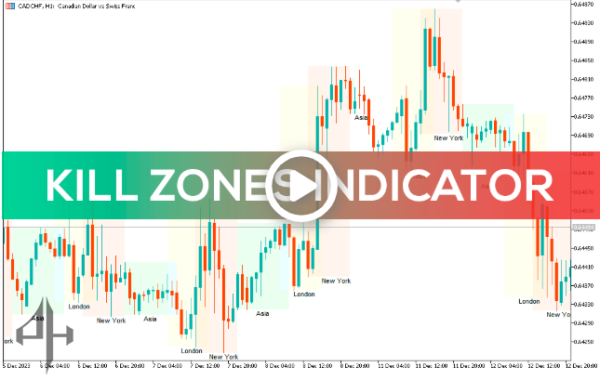
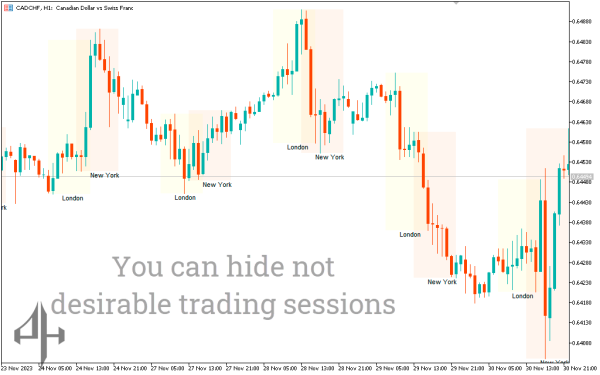
One clever financial instrument for identifying trading sessions and certain market times is the Trading Session ICT KillZone Indicator.
This indicator, which was develop especially for the MT5 platform, helps traders better comprehend price fluctuations by providing visual cues during important trading times.
This aids in identifying possible trade opportunities for Inner Circle Traders (ICT).
How To Use The Trading Session ICT KillZone Indicator
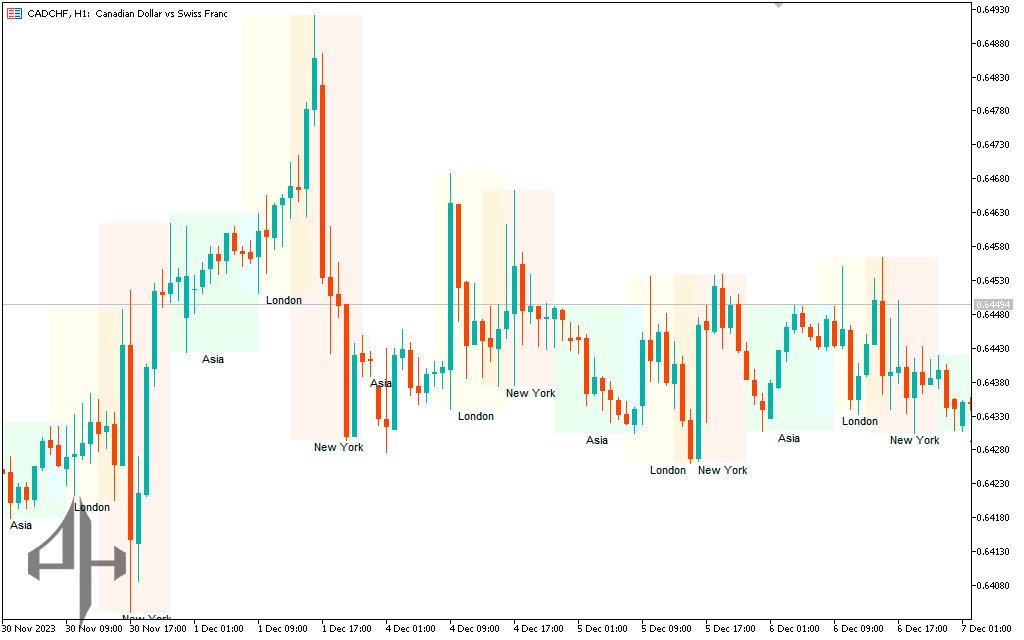
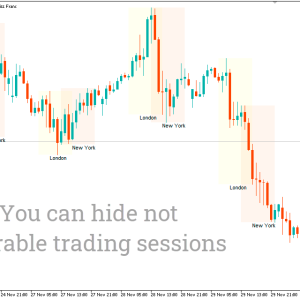
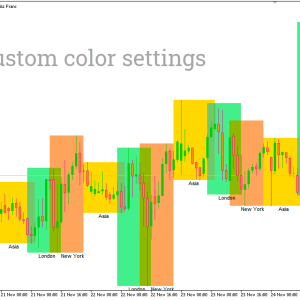
Trading Session ICT KillZone Indicator indicates the time at which market sessions begin. When the market is at its most turbulent, this is the time. In foreign exchange, volatility is beneficial since it allows for the possibility of making a profit from price movement, provided that the appropriate technique is utilized. This indicates that the indicator is indicating the optimal timing to enter a trade.
During a trading session, the direction in which the price of an asset moves can be influence by a variety of different factors. These factors have the potential to exert an influence. The emergence of new information that has the potential to influence the sentiment of the market is an important component that deserves attention. Traders may be prompt to reevaluate their positions and adjust their purchasing or selling operations in response to this information, which may include economic data, company announcements, or geopolitical developments. All of these factors have the potential to prompt traders to reconsider their positions. There is also the overall aspect to take into consideration.
Conclusion
A number of sessions are use to divide the foreign exchange market into its component parts. Due to the fact that these sessions have an effect on your trades, it is absolutely necessary for you to be aware of the day and time that they take place. If you are currently in a “Trading Session” on the charts, the Trading Session ICT KillZone Indicator for MetaTrader 5 will let you know that you are currently in there.
rc=”https://piphunter.io/wp-content/uploads/2025/05/Untitled-591.png” alt=”” width=”609″ height=”780″ />
Number of Days: Default is 50; specifies the total number of days considered.
London Open Begin:</strong> Indicates the start time of the London trading session.
London Open End: Indicates the end time of the London trading session.
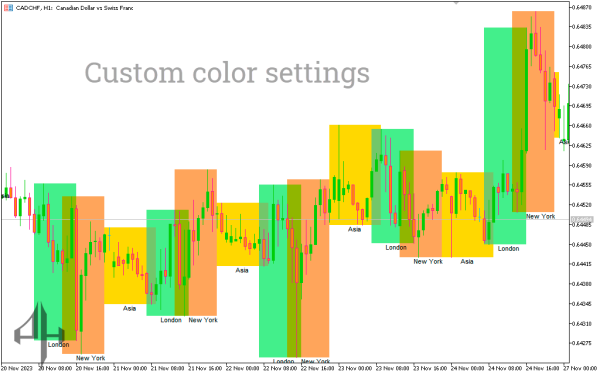
ata-start=”327″ data-end=”412″><strong data-start=”327″ data-end=”349″>London Open Color: Defines the color used to represent the London open session.
London Close Begin: Indicates the start time of the London close session.
London Close End: Indicates the end time of the London close session.
nd=”662″>London Close Color: Defines the color used to represent the London close session.
NYO Open Begin:</strong> Indicates the start time of the New York trading session.
NYO Open End: Indicates the end time of the New York trading session.
NYO Open Color: Defines the color used to represent the New York open session.</p>
s=”” data-start=”912″ data-end=””>=”988″>TKO Open Begin:</strong> Indicates the start time of the Tokyo trading session.
TKO Open End: Indicates the end time of the Tokyo trading session.
TKO Open Color: Defines the color used to represent the Tokyo open session.